
Transcribe as you talk
Live speaker labels mean no replaying the whole recording later.
Local transcription + live AI copilot for macOS
VoxAI records locally, transcribes, and labels every speaker — then gives the live conversation to the AI you already use. Get advice while you talk, then turn the full record into notes and action items.
Live speaker labels mean no replaying the whole recording later.
Questions, risks, and next steps arrive while they still matter.
Hand the complete record to your AI for notes, actions, and follow-up.
More than a recorder
VoxAI keeps one accurate record for you and one live stream for your AI. You stay in the conversation; the details keep organizing themselves.
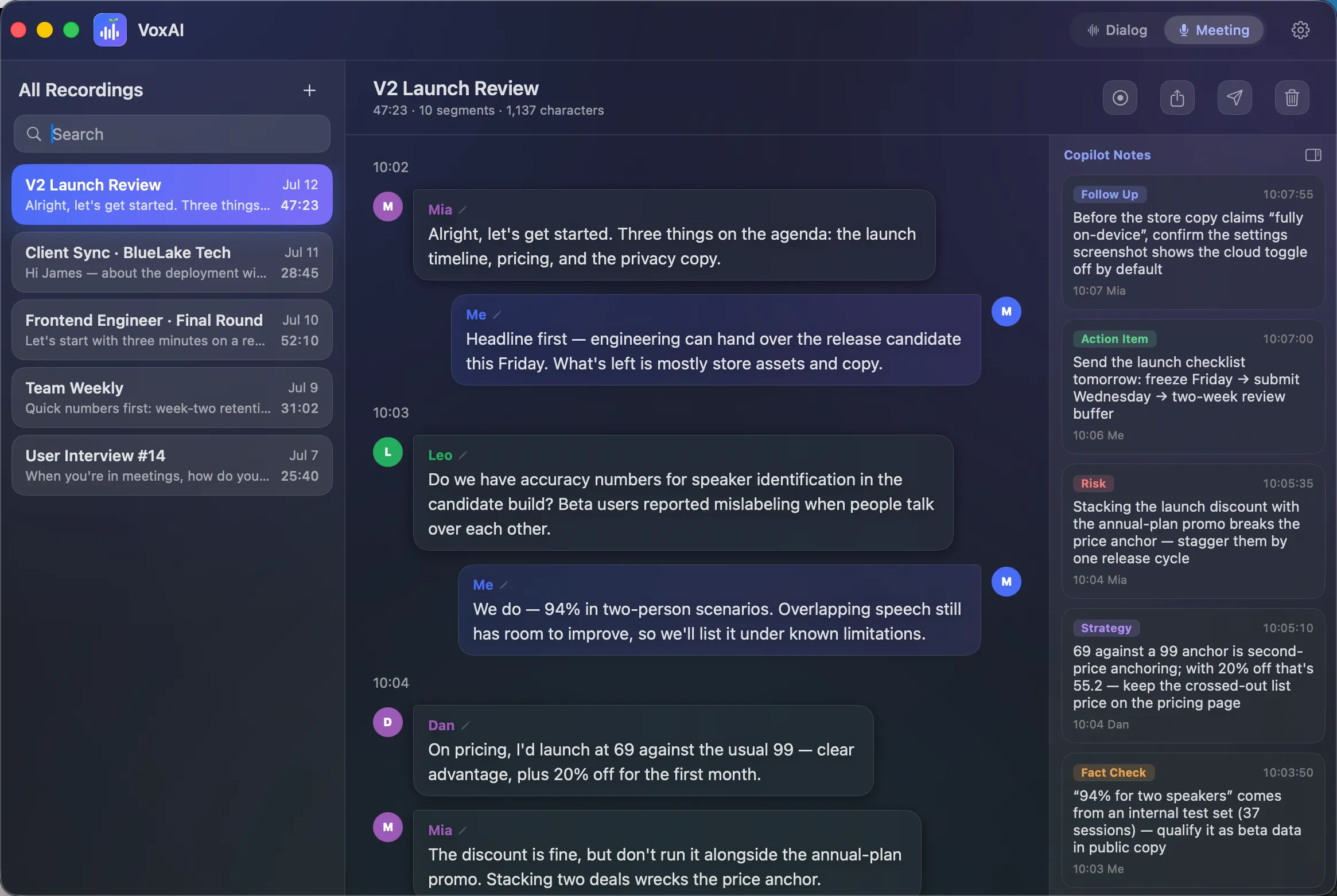
Meetings and in-person conversations get live speaker labels. Calls separate your mic and system audio, so identity comes from the channel — not a guess.
It follows the growing transcript and can push fact checks, questions, risks, strategy, and action items into the side panel.
Export clean Markdown, ask for a recap, draft the follow-up, or return to any conversation later. Your archive remains yours.
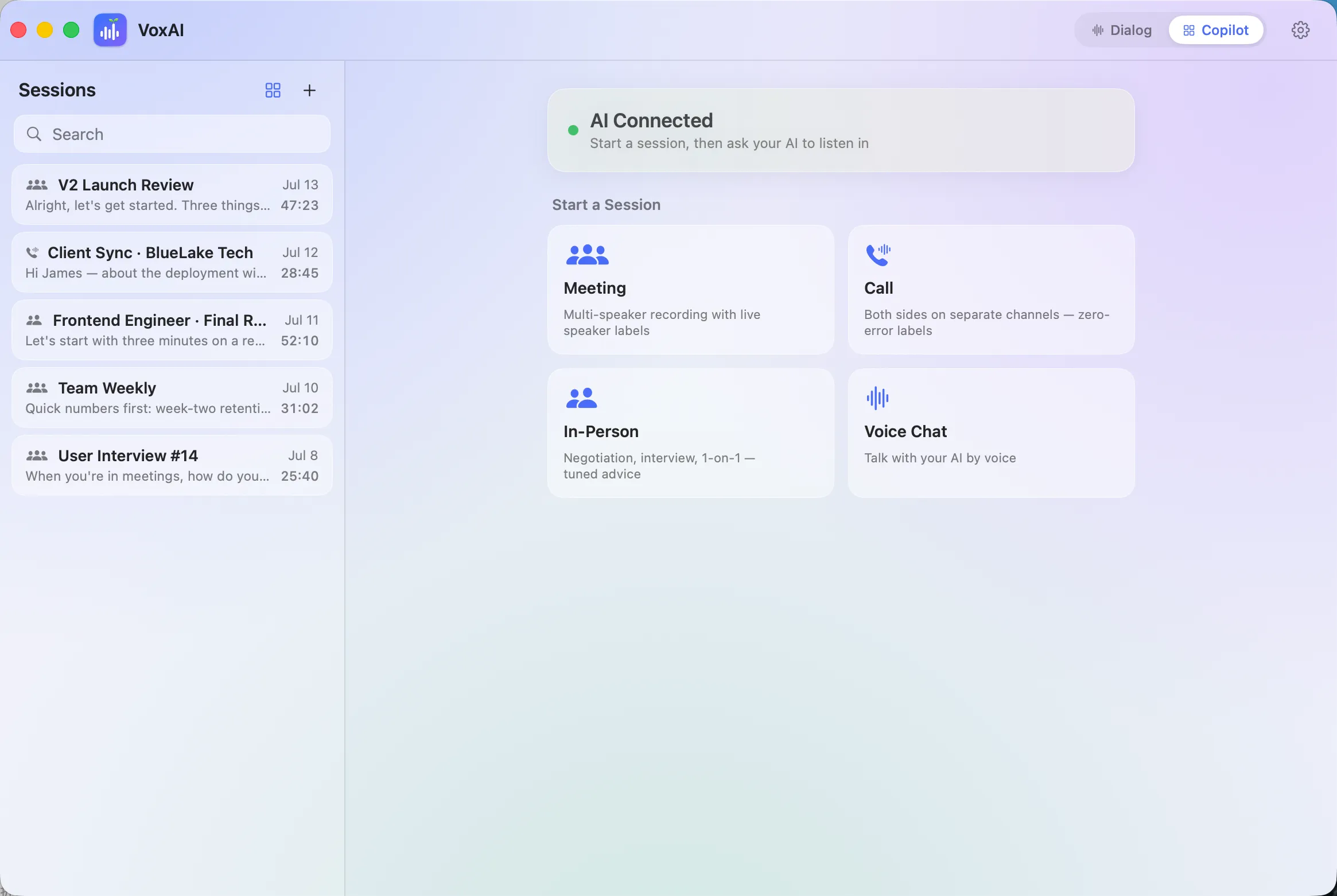
Four conversation modes
Multiple speakers, live names, and AI notes that grow with the room.
You and the other side on separate channels, with labels that never need guessing.
Negotiations, interviews, and one-on-ones with advice tuned to the moment.
Speak to your AI from across the room and hear the answer out loud.
Three steps to start
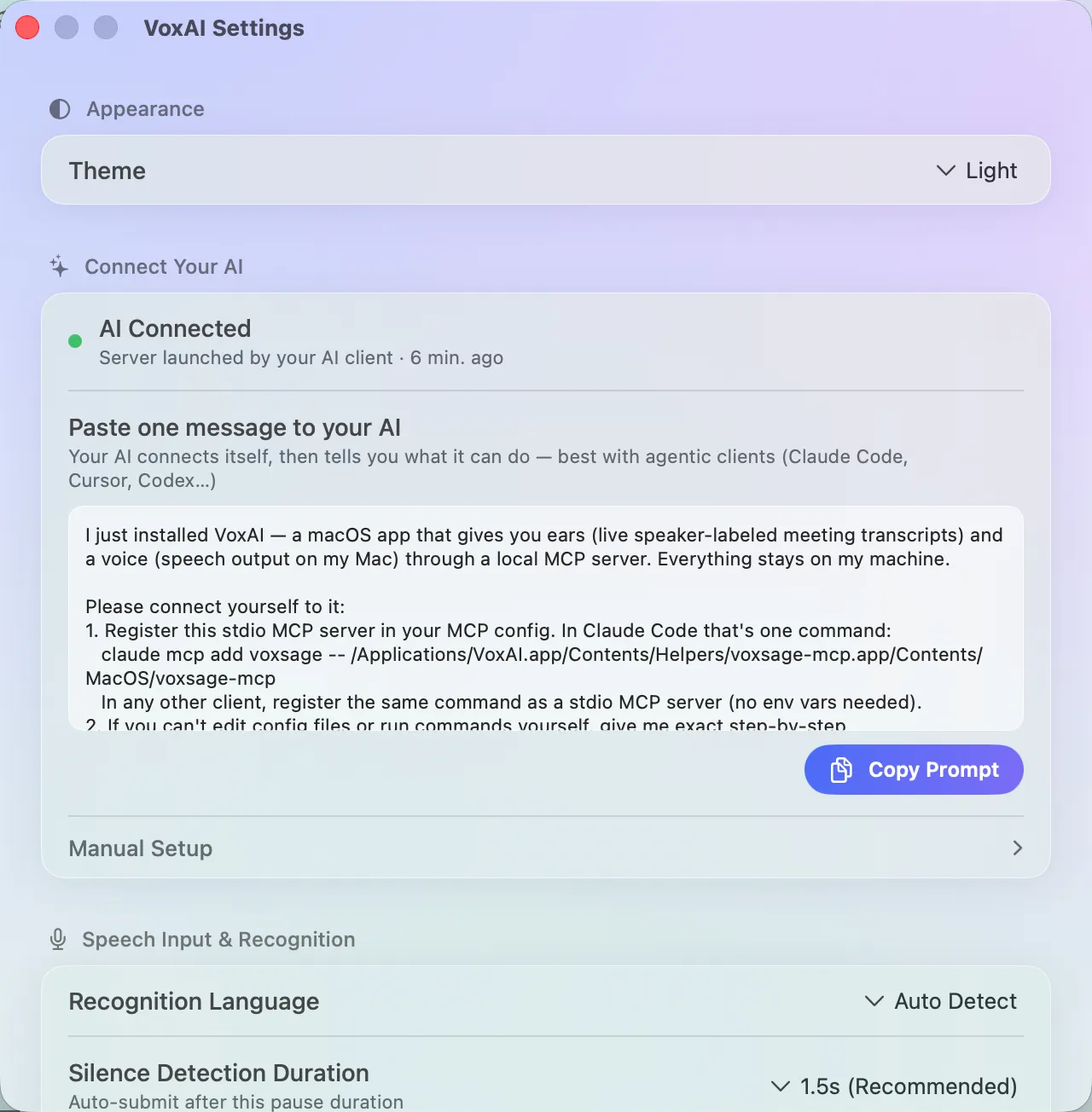
No extension, Python environment, or API-key maze. VoxAI ships as one notarized Mac app and gives your AI the exact connection prompt.
Open the notarized .dmg and move VoxAI across. Installation is done.
Copy the prompt from VoxAI. Claude Code, Codex, Cursor, or another MCP client connects itself.
Your AI checks in by name. Start the conversation and let VoxAI handle the record.
Three steps. There is no fourth step.
Local by default
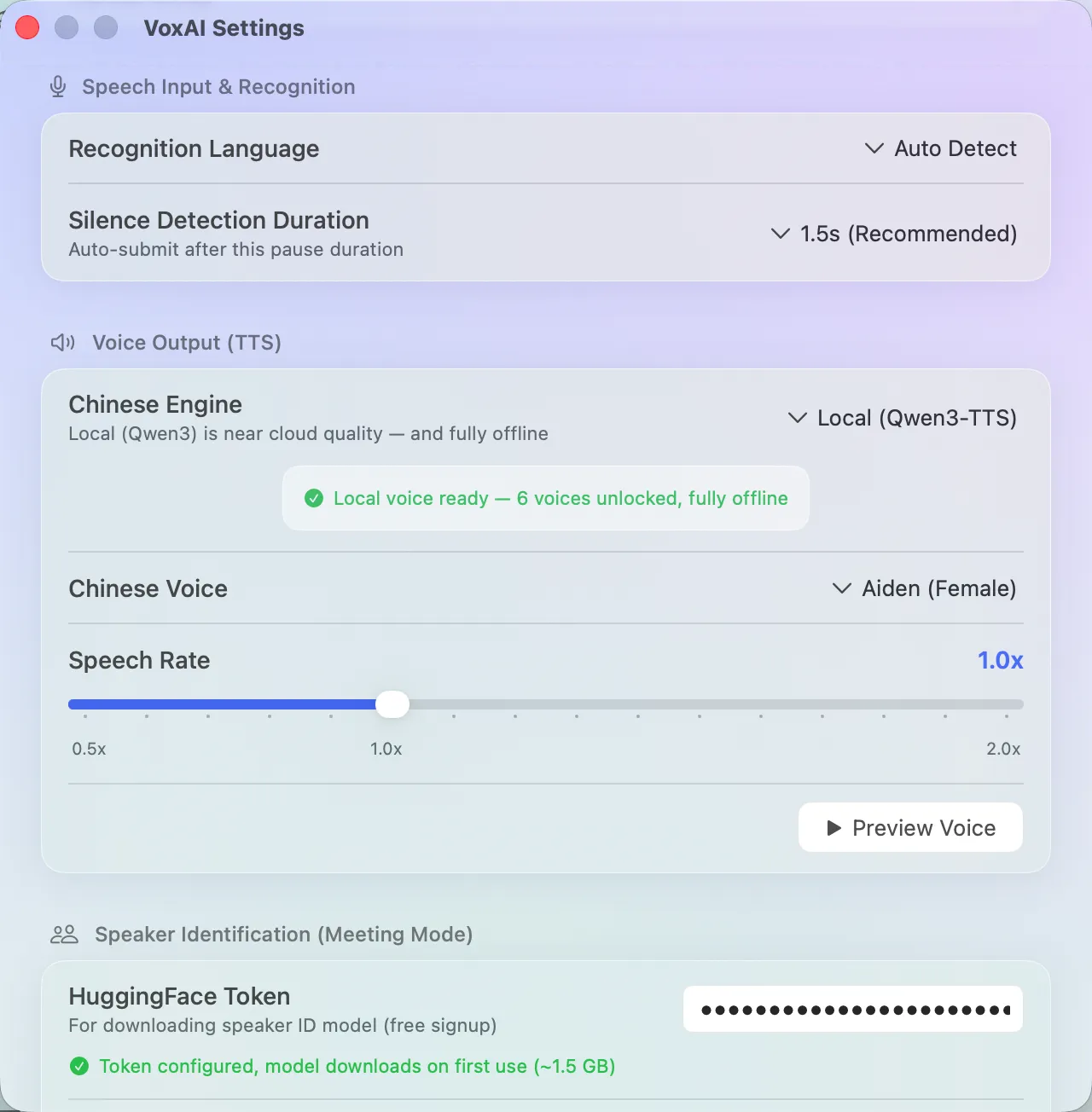
Recording, transcription, speaker labels, and the flagship local voice can all run on-device. VoxAI does not require an account, and cloud options stay off until you explicitly turn them on.
The raw conversation does not need to leave your computer.
Every upload path sits behind a clear switch and notice.
View and export every old recording forever, whether you buy or not.
No account · local MCP over stdio · no open network port
Try the whole product first
The trial is the real app, not a stripped-down demo. No account, no card, and no locked features.
FREE TRIAL
US$0
Every feature is available from the first launch.
EARLY BIRD · REGULAR US$39
US$19.90
One payment. Your key arrives by email and activates locally — a separate line from the App Store purchase.
VoxAI degrades gently: your history remains fully viewable and exportable, new recordings cap at ten minutes, and live copilot advice pauses until you unlock.
Two independent lines. From the Mac App Store, you unlock inside the app and can restore it on any Mac signed in to the same Apple Account. From the .dmg, a key reaches your payment email; paste it into VoxAI and local verification unlocks it permanently. A key from one line does not activate the other.
Any MCP client can browse and summarize the archive. Agentic clients that can keep a live loop — including Claude Code, Codex, and Cursor — can act as the real-time copilot.
No. It is a one-time purchase, not a subscription.
For people who want the protocol
VoxAI includes a local MCP server. A new client reads the protocol instructions as soon as it connects, so the archive and live copilot behavior travel with the product.
NeedsAny MCP client
GetsBrowse, rename, summarize, export, and speak recordings
NeedsAn agentic client that can loop
GetsListen live, push advice, and hold a voice-direct dialog
list_meetings / get_meeting / rename_meetingget_live_transcript / start_listening / stop_listeningpush_advice / get_dialog_input / post_dialog_replyspeak / stop_speaking / list_voices / update_voice_configREADY WHEN YOU ARE